In this article you will know how to use the AI assistant feature Generate Lesson Subtopics.
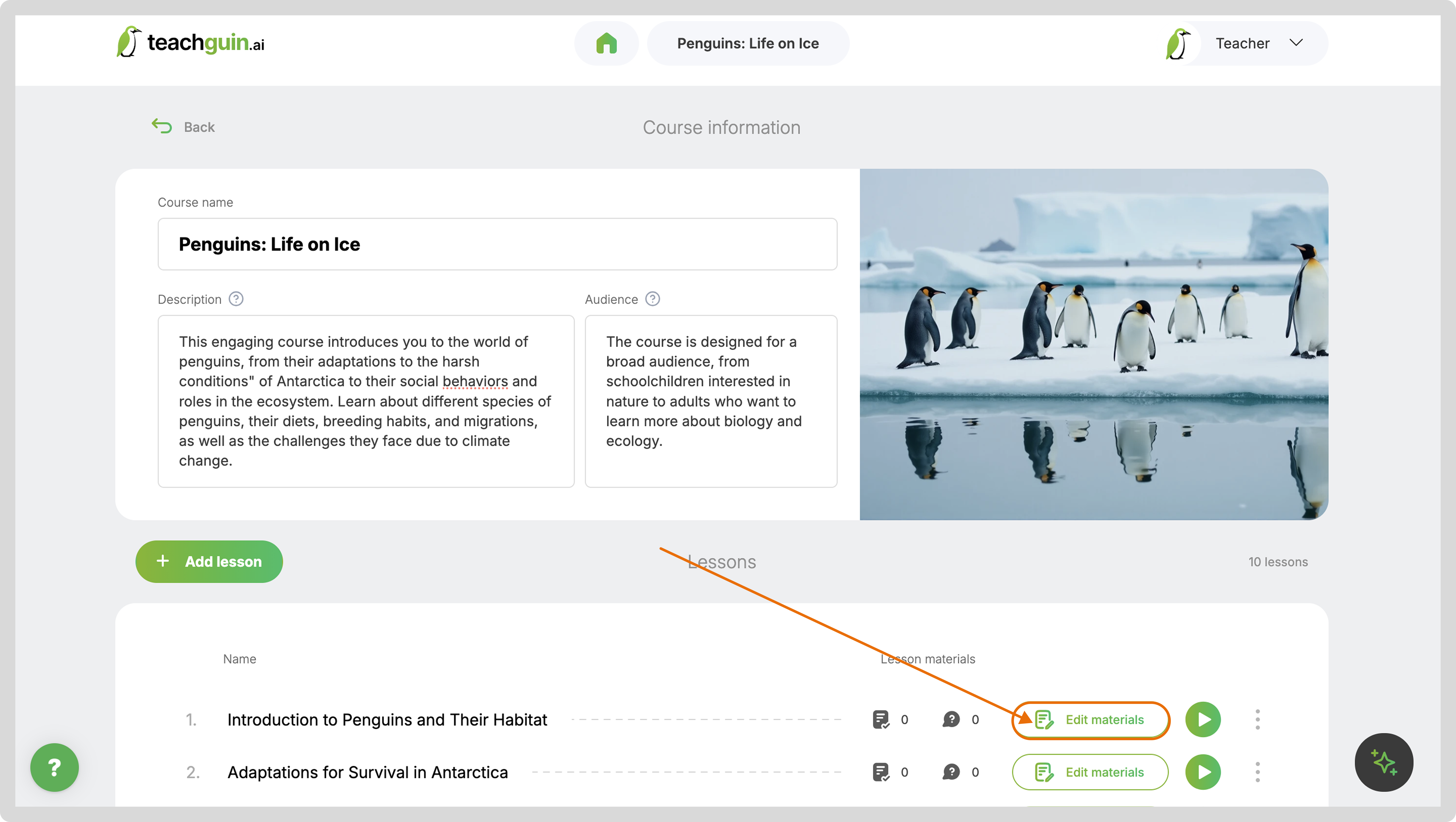
On the course screen click on the Edit materials button.
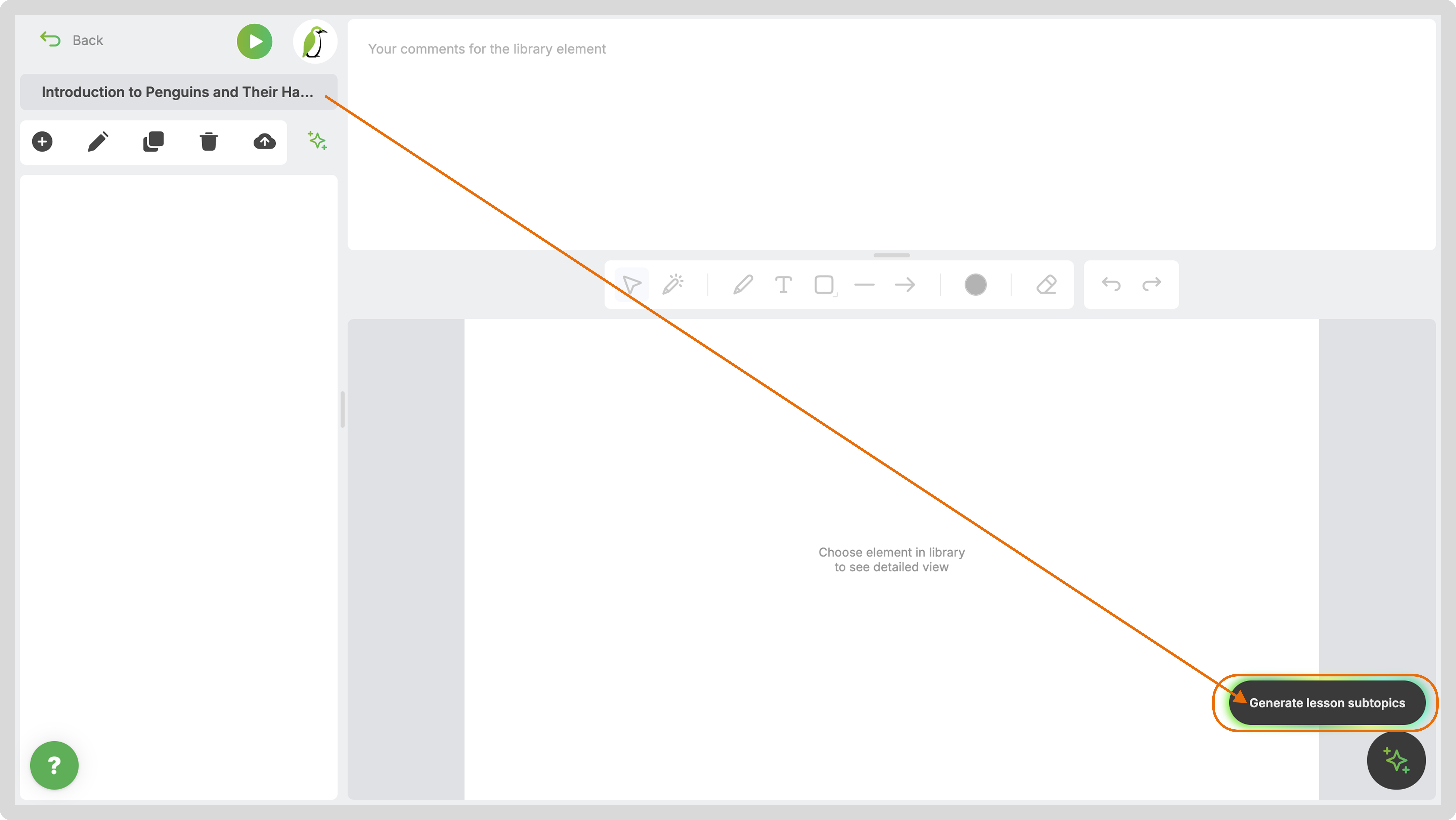
The lesson window will open. Click on the Generate Lesson Subtopics button.
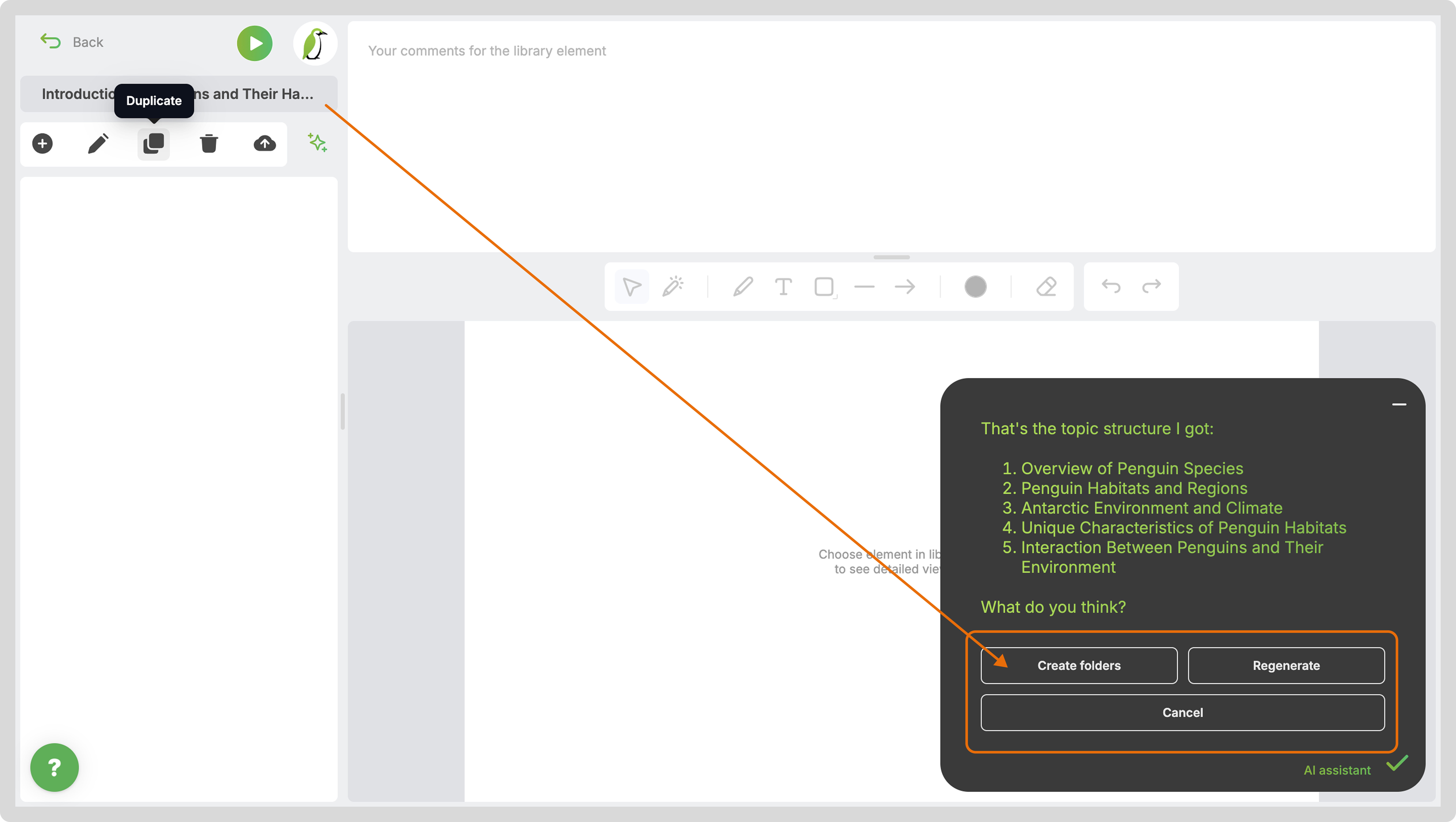
Review the result offered by AI - apply it or regenerate if needed.


Continue creating process with slides generation.
Generating Slides with AI
How to generate slides for a lesson subtopic with the help of AI assistant